| Product/Service: | MySideline Admin |
| Permission Required: | MySideline Admin - Club Admin or higher |
A diverse range of support resources are built into the MySideline Admin platform and can be accessed in several different ways:
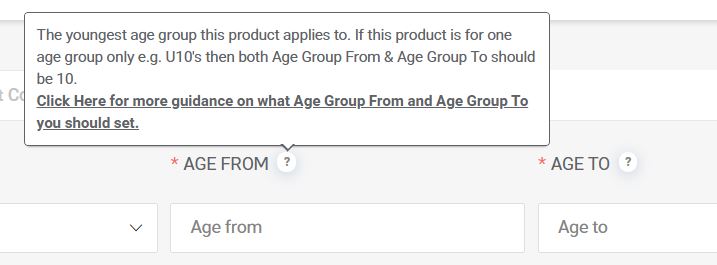
(?) Question Mark Icons
Question mark icons can be found throughout MySideline Admin. Hover over the (?) icons to see descriptions and helpful tips (see example below).
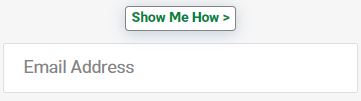
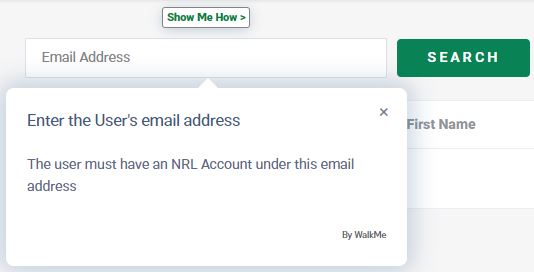
Show Me How Buttons
Click on Show Me How buttons to be walked through processes with step by step on-platform guidance.
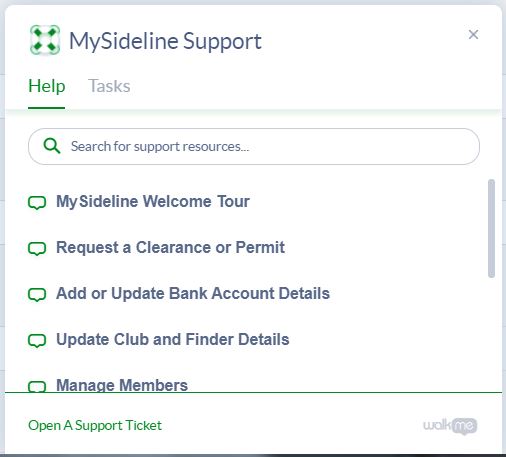
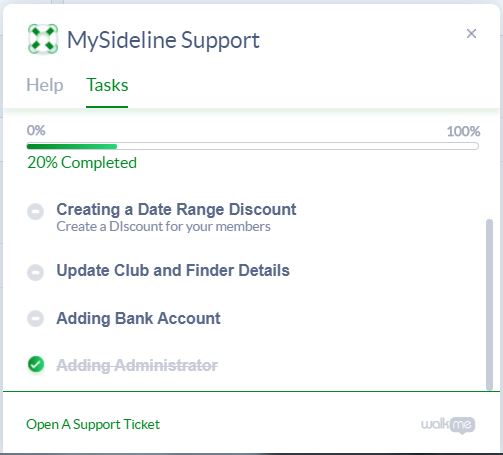
Support Menu
An on-platform Support menu can be found in the bottom right of MySideline.
This Support menu can be used to:
- Search for a large range of on-platform support resources.
- Track and complete tasks to ensure your club stays ahead of the game.
- Open a support ticket to get in contact with the Support Team.
Was this article helpful?
That’s Great!
Thank you for your feedback
Sorry! We couldn't be helpful
Thank you for your feedback
Feedback sent
We appreciate your effort and will try to fix the article